
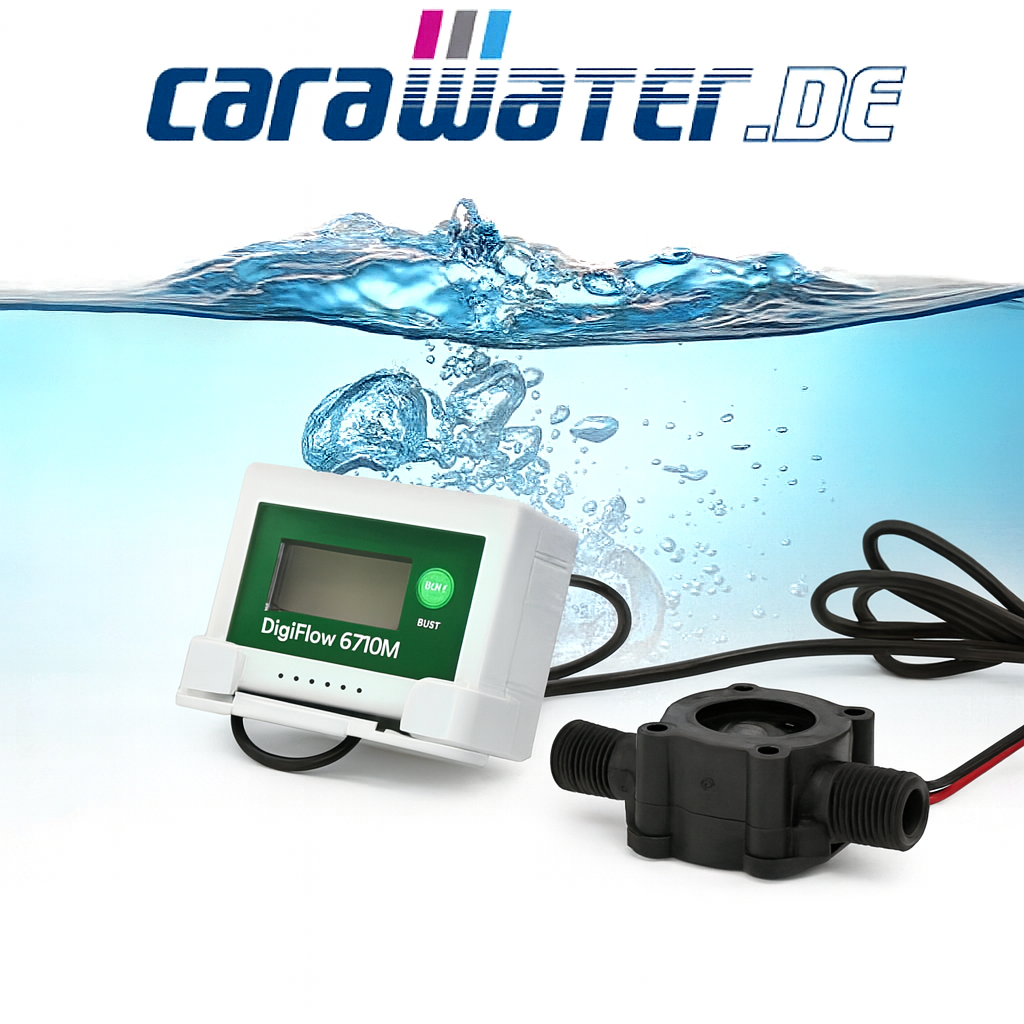
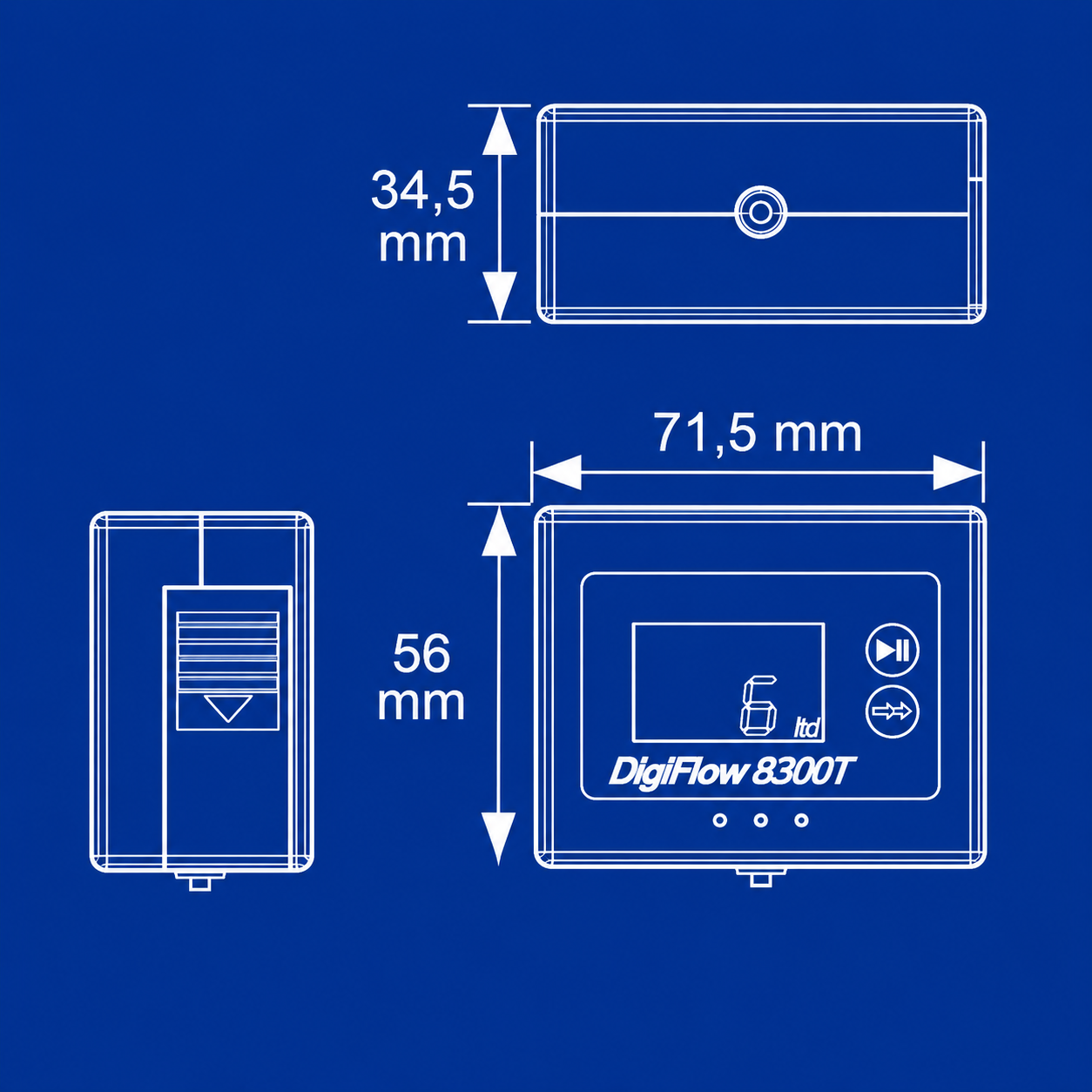
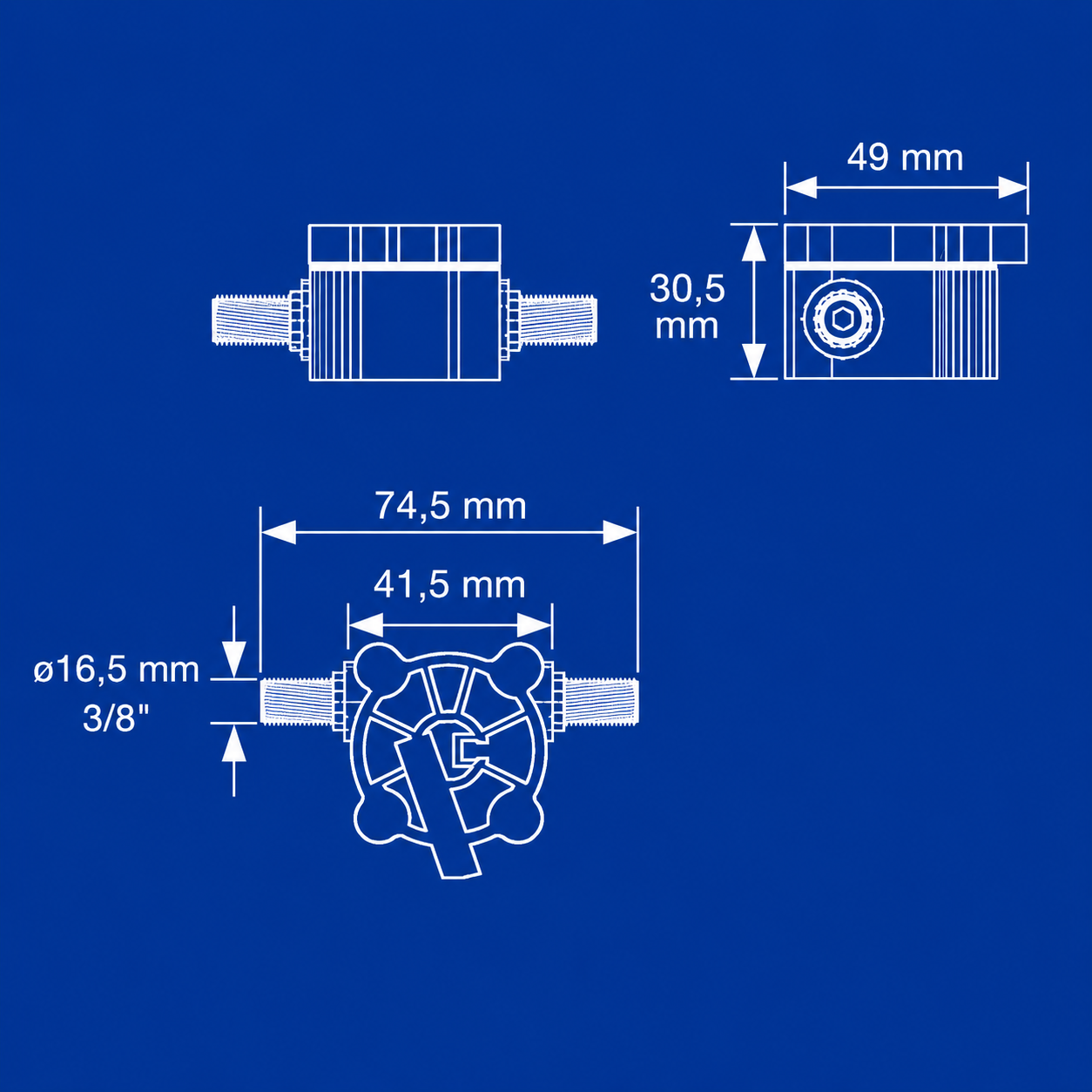
CARAWATER – DIGI FLOWMETER 8300T-22F
Set your filter capacity and the flowmeter counts down to track filter life with alerts when it is time to change filter.
- Precise capacity monitoring
- Flow rate indicator from 0.8 to 15.0 litres per minute
- Low battery power consumption
- Data is saved automatically, even when the flow meter is switched off.
- Includes 2 long-lasting AA batteries.
- Automatic switching on/off of the Digi Flow when water flows / water stops (after 10 seconds)
- 2-year warranty
AU$150.00 +10% GST Australia / +15% GST New Zealand
The Digiflow 8300T-22F flowmeter is the ideal addition to your water filtration system. With precise capacity monitoring and an audible runoff alarm, this electronic flowmeter reliably alerts you when it’s time to change the filter. Compatible with all Carawater FILTRADOC PRE, FILTRADOC AND AUTARX filtration systems.
Installation is incredibly simple: Connect the flowmeter to the inlet side of your filter system. Thanks to its low energy consumption and the included batteries (2 x AA), you can rely on dependable performance.
This flow meter precisely measures water flow in the range of 1.0 to 15.0 litres per minute and has an accuracy of ± 5%. This allows you to keep track of the condition of your filter system and always drink clean, healthy water.
Note: this product does not display the current flow rate.
PRODUCT DETAILS
- Precise capacity monitoring
- Flow rate indicator from 0.8 to 15.0 litres per minute
- Low battery power consumption
- Data is saved automatically, even when the flow meter is switched off.
- Includes 2 long-lasting AA batteries.
- Automatic switching on/off of the Digi Flow when water flows / water stops (after 10 seconds)
SCOPE OF DELIVERY
1 x Digital Display, 1 x adhesive strip, 1 x power cable, 1 x Flow meter, 1 x frame holder, 2 x AA batteries
BENEFITS
The Digiflow 8300T-22F flowmeter is not just a flow meter, but also a tool that helps you to manage your water usage intelligently and responsibly.
ADDITIONAL INFORMATION
Installation and operating instructions for the flow meter:
1. Turn off the water: Start by turning off the water supply to ensure that no water is flowing.
2. Connect the flow meter: Attach the flow meter to the branch valve of the T-fitting. Observe the following points:
2.1 Pay attention to the water flow direction, which is marked on the flow meter.
3. Connect the water filter: Connect your water filter to the water outlet of the flow meter using a flexible hose.
4. Inserting batteries: Open the side cover and carefully pull out the battery compartment holder.
5. Insert batteries: Insert two AA batteries, ensuring correct polarity.
6. Install the battery compartment holder: Place the battery compartment holder back in its position and route the cables neatly to prevent damage from the cover. Replace the cover.
7. Activating the flow meter: The flow meter should now emit a sound and activate the digital display.
8. Mounting the digital display: Attach the frame bracket of the digital display to your base cabinet.
9. Inserting the display: Insert the digital display into the frame until you hear an audible “click”.
10. Checking the connections: Make sure that all connections of the system are properly sealed to prevent water leakage.
11. Adjusting the filter capacity: Proceed as follows to adjust the filter capacity.
12. Display reset: Press the top button “DISPLAY RESET” once and then the bottom button “PROG” once until “PROG” is displayed on the screen.
13. Setting the capacity: Use the top “DISPLAY RESET” button to set the filter capacity at which a filter change is required.
14. Make the setting: Use the lower “PROG” button to switch between the capacity digits.
15. Save input: An audible signal indicates that your input has been successfully saved when you have reached the last digit.
16. Start the filter counter: Turn the water back on, and you will see the counter counting down.
17. Filter change: Once the counter has reached your set capacity and reset to zero, a signal will sound. This is your indication to replace the filter.
18. Resetting filters: If you have installed a new filter, press the top “DISPLAY RESET” button once and then hold it down for 5 seconds to reset the display to the value you set.
19. Battery replacement: When the batteries in the digital display are low, this will be indicated by a symbol and a sound. Then replace the batteries.
| Weight | .5 kg |
|---|---|
| Dimensions | 10 × 10 × 10 cm |